Straighten two camera photos and check the PDF page order
Admin ·
Use photo scanning when a document is visible but the phone was held at an angle. Check the paper edges and the appearance of small text before exporting the pages as one PDF.
Check the corners and compare uneven lighting
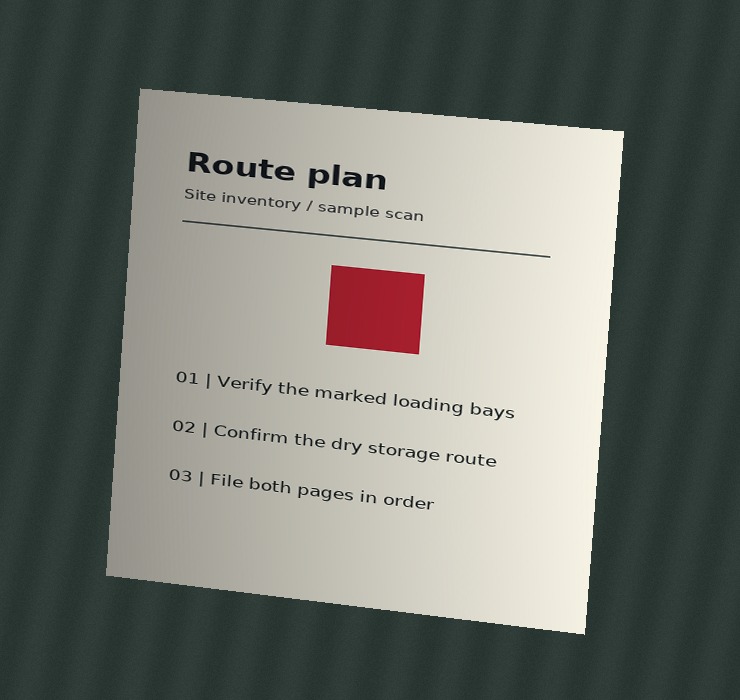
Load the scan example. The Route plan photo appears first. Its upper corners should be close to the paper edges. Select Preview corrected page with Original color, then repeat with Document.
Check the shadow along the left margin. It should become lighter in Document, while the route marker stays red. If the paper edge falls outside the corrected preview, adjust the closest corner and preview again.
Verify page order, A4 orientation and black-and-white output
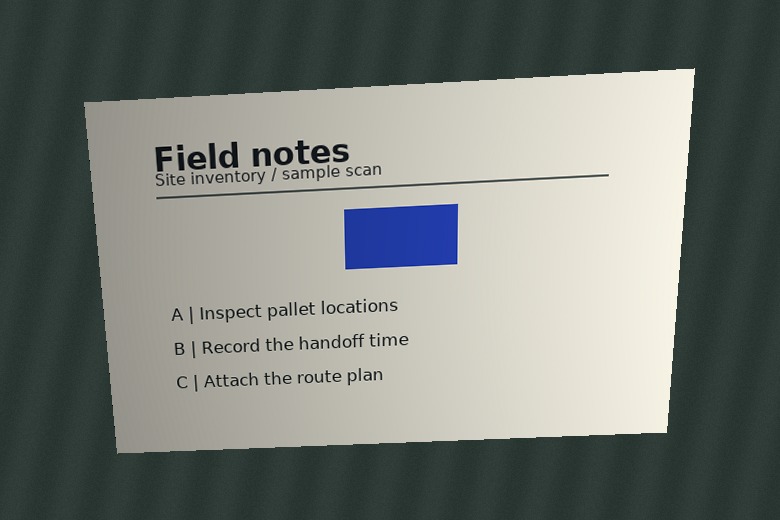
Select Move page 2 up to put Field notes first. Keep its blue marker in Document. Select Route plan and choose Black and white. Use threshold 166 and preview the mark and the area around the text.
Choose A4 with a 6 mm margin, then build and download the PDF. Expect Field notes on a landscape page and Route plan on a portrait page. The plan has one-bit pixels. If fine lines disappear, compare a higher threshold or switch back to Document and build again.
Simulated Route plan phone photoSimulated Field notes phone photoW3C paper size and orientation definitions
Frame a paper photo with visible edges
Use a darker surface under a light sheet and fit all four corners in the camera image. Even light helps preserve fine text. A curled sheet can leave a bend that perspective correction cannot flatten.
On a phone, use the capture picker or open the live camera preview. Capturing a page closes the live stream. The output stores page images, so review all pages at a readable zoom before sharing.
W3C HTML Media Capture for file pickersW3C stopping media stream tracks
Common questions
Can I correct corners with a keyboard?
Focus a corner handle and use the arrow keys. Hold Shift for a larger move. The Corner coordinates controls also let you adjust each axis.
What happens if a photo is already straight and tightly cropped?
Choose Use full photo to keep all four image edges, then preview the page. Original color preserves the camera tones.